
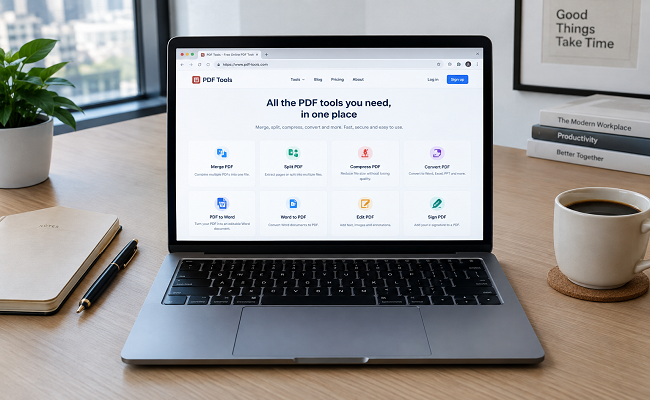

Working in an office environment comes with one major constraint: you cannot install third-party software on your work machine whenever you want. Whenever I have to handle official reports, contracts, or scanned document bundles, I often miss heavy desktop software like Adobe Acrobat Pro.
Fortunately, the solution is right inside our web browser! I tested several web utilities on my office desktop without installing any software. In this article, I am sharing the top 5 free web-based utilities that make my daily office workflow much smoother.
I tested these directly in the browser without downloading any heavy programs. Here is my hands-on experience, along with their practical limitations and how these tools can make your work easier.
Table of Contents
- 1. Reducing Heavy Document Sizes with iLovePDF Compress
- 2. Quick Document Review Using Adobe Acrobat Online
- 3. Combining Multiple Office Files with iLovePDF Merge
- 4. Extracting Pages as Images via iLovePDF PDF to JPG
- 5. Preparing Slide Decks with iLovePDF PDF to PowerPoint
- What I Actually Think After Testing Them
1. Reducing Heavy Document Sizes with iLovePDF Compress
Official emails and portal uploads always have strict file attachment limits. Whenever a scanned report becomes too large, you need to shrink the file size before sending it through official channels.
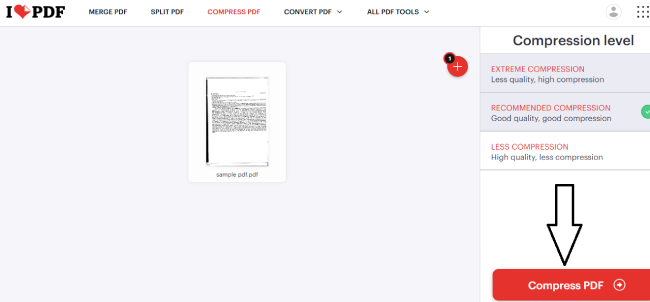
When I uploaded my sample PDF file to this tool, it provided three different compression levels so I could choose the right balance between quality and size.
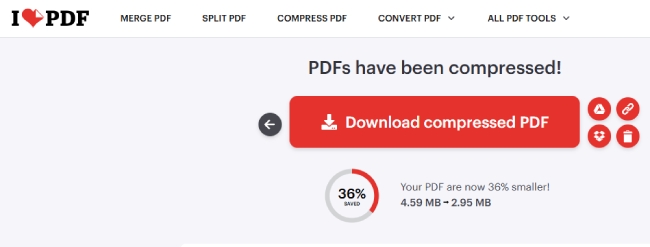
In my testing with a media-heavy sample file, it achieved around 36% reduction (dropping from 4.59 MB down to 2.95 MB), though your mileage may vary depending on the document’s content (such as text-heavy vs. image-heavy pages).
2. Quick Document Review Using Adobe Acrobat Online
Whenever I need to instantly view an important PDF directly in the browser or check its layout without downloading it, Adobe’s official web workspace comes in very handy.
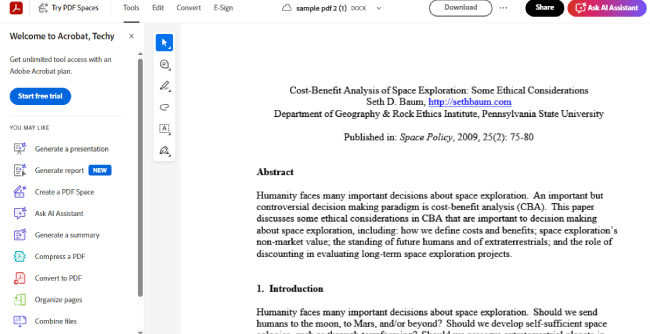
Opening its dashboard in the office browser provides a clean interface where you can instantly read documents. However, do keep in mind that advanced editing features typically require a paid subscription or sign-in.
3. Combining Multiple Office Files with iLovePDF Merge
While working in the office, you often receive separate invoices, cover pages, and notes from various departments. Sending them separately looks messy, whereas combining them into a single master file looks much more professional.
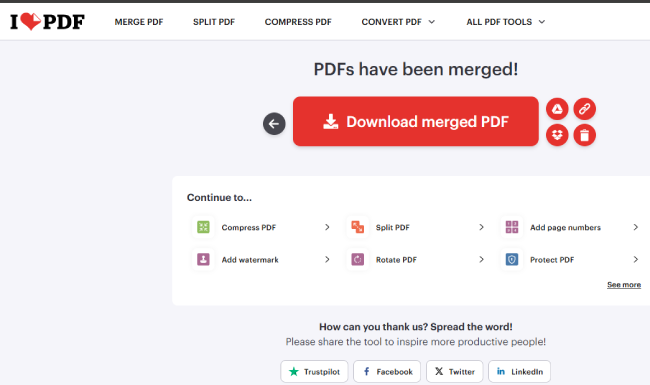
I dragged and dropped my multiple sample PDFs onto the merge tool. The files lined up easily, and with a single click, they were joined together. The interface is intuitive, though free tiers often restrict the number of files or total size you can combine at once.
4. Extracting Pages as Images via iLovePDF PDF to JPG
Sometimes you need to pull a specific chart or page out of a PDF report to paste it directly into a presentation slide. In such cases, converting the PDF pages into image format is the fastest approach.
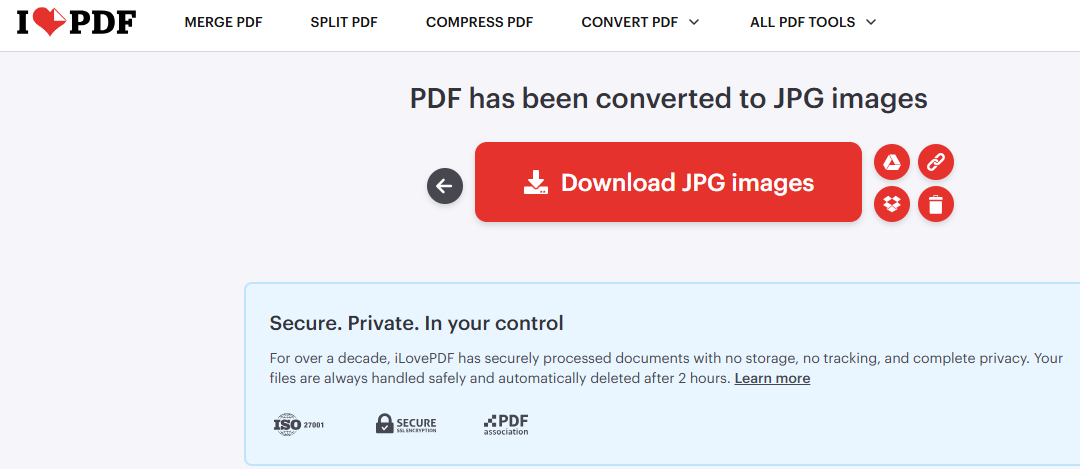
I ran the sample file through this converter to extract the pages as images. Within seconds, all pages were ready for download as high-resolution images. Keep in mind that heavy batch conversions might require stable internet connectivity.
5. Preparing Slide Decks with iLovePDF PDF to PowerPoint
If you ever need to convert an informative PDF report into a meeting presentation or slide format, you don’t need to type everything all over again.
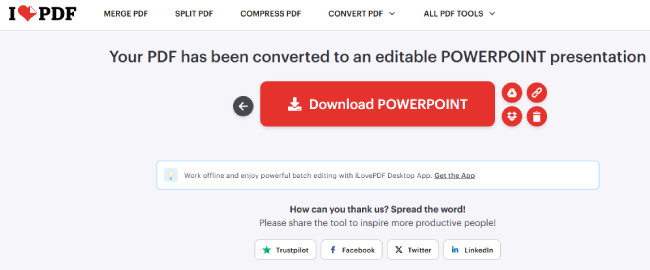
I tested the document with this presentation converter. The tool transforms PDF content into editable slides, though complex layouts or custom fonts may sometimes require minor manual text alignment after conversion.
What I Actually Think After Testing Them
Having restrictions on an office computer doesn’t mean your productivity has to stop. All of these web-based tools run entirely inside your browser, consume zero system storage, and get your work done in minutes.
Pros & Limitations Overview:
- Pros: No admin permissions or software installation needed; fast cloud execution; highly accessible right inside the browser.
- Limitations: Free tiers have file size/count caps; layout shifts can happen during complex PDF-to-PPT conversions.
- Privacy Reminder: Avoid uploading highly confidential or sensitive company documents to prevent compliance issues.
Will this replace heavy enterprise software suites for massive corporate workflows? Maybe not. But if you are stuck on a restricted work PC and want to get things done quickly, these free web utilities are definitely worth keeping in your bookmarks.
